
Data orchestration from first load to final alert
Schedule pipelines, branch on success or failure, retry the steps that fail, and get alerted when a run goes wrong. When one does, Maia traces the root cause and proposes the fix.
Orchestrate the whole pipeline on one canvas
Loading, transformation and orchestration live in the same project, so there's no separate data orchestration tool to wire up and keep in sync.
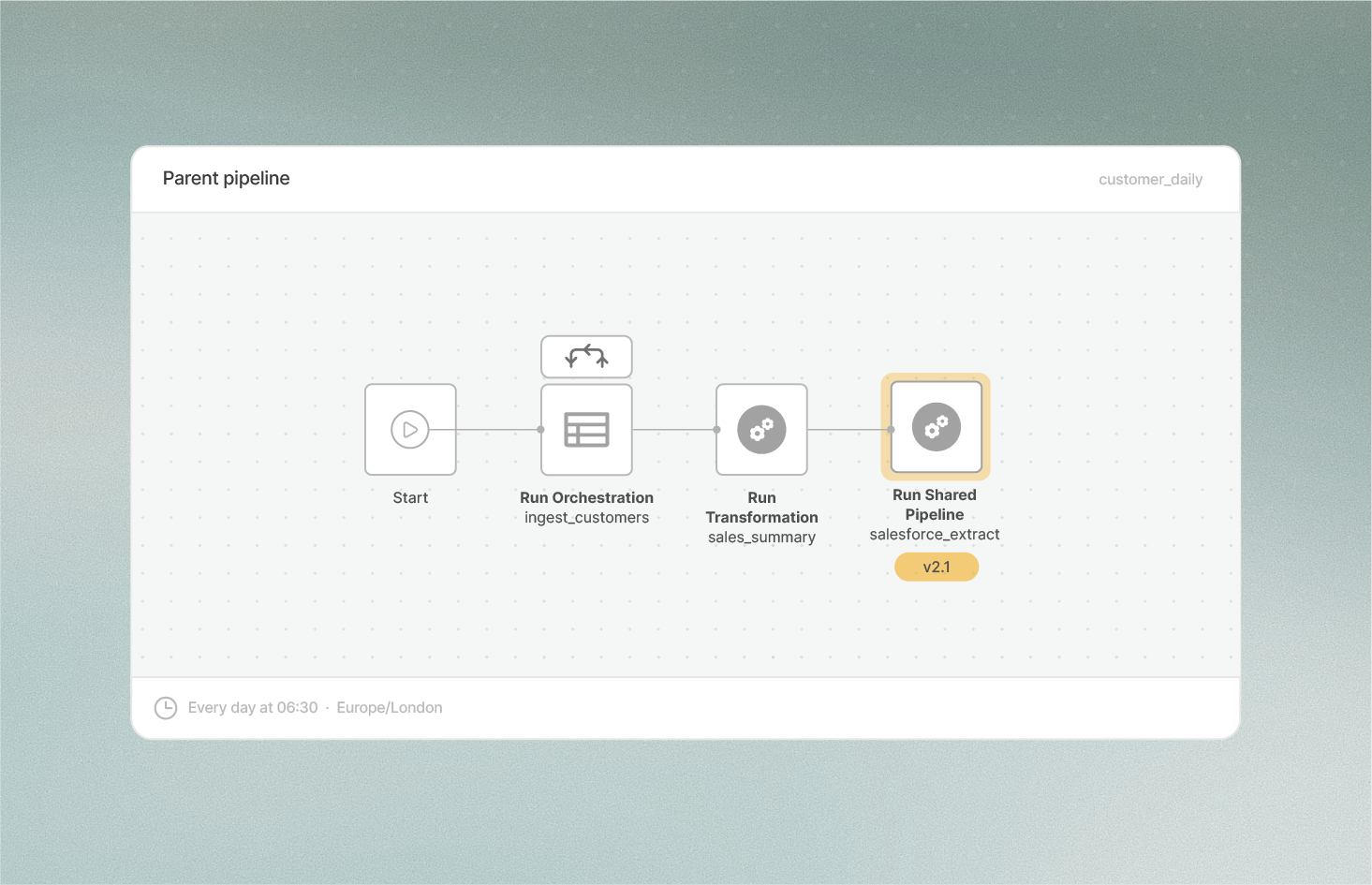
Run orchestration and transformation pipelines from inside other pipelines, so each one stays small and testable. Share a pipeline once and reuse it in any project, pinned to the version you choose.
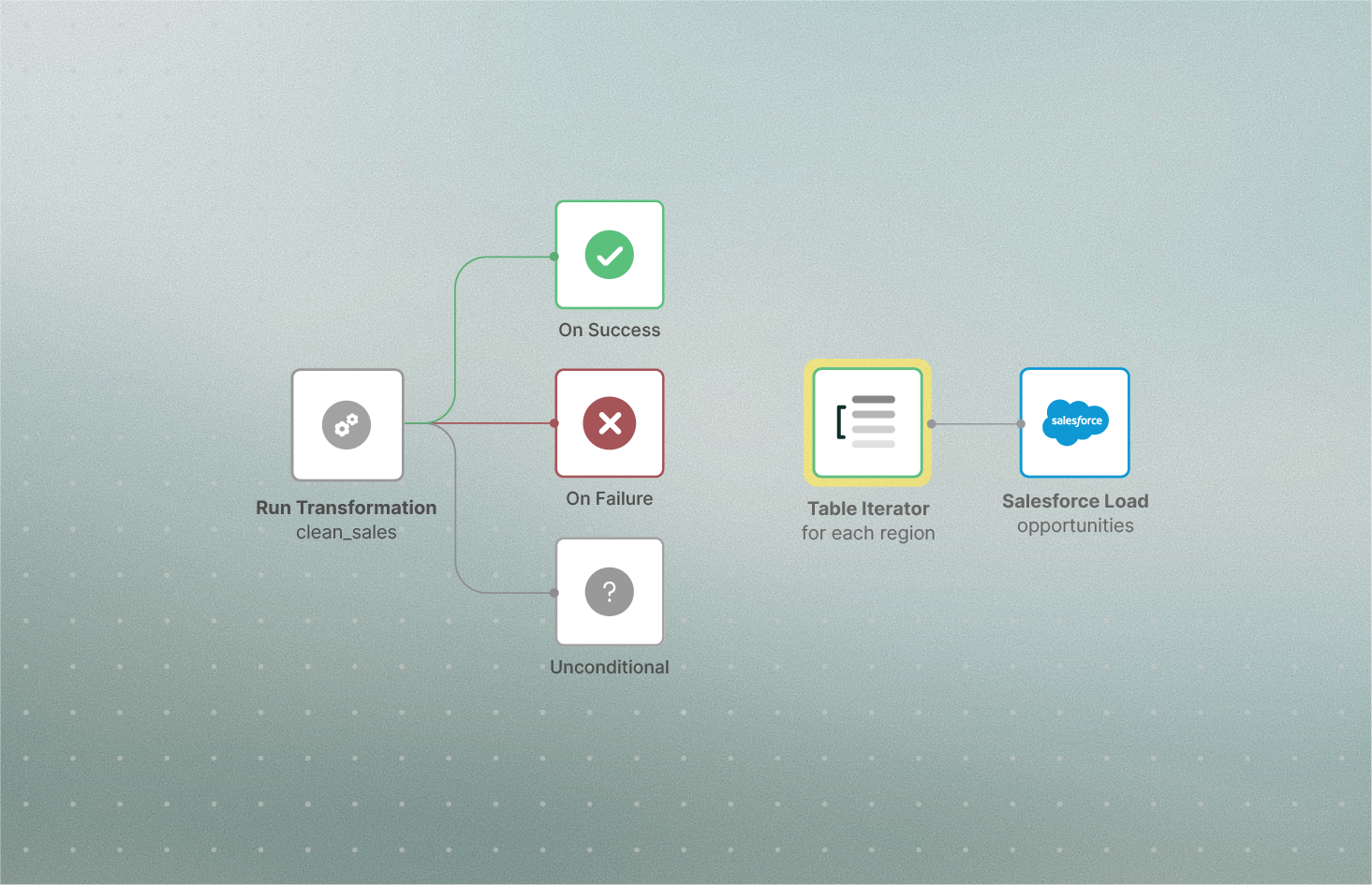
Every component has success, failure and unconditional paths. Add If, And and Or logic to decide what runs next, and loop a step over files, table rows, grid variables or a list of values without copying it.
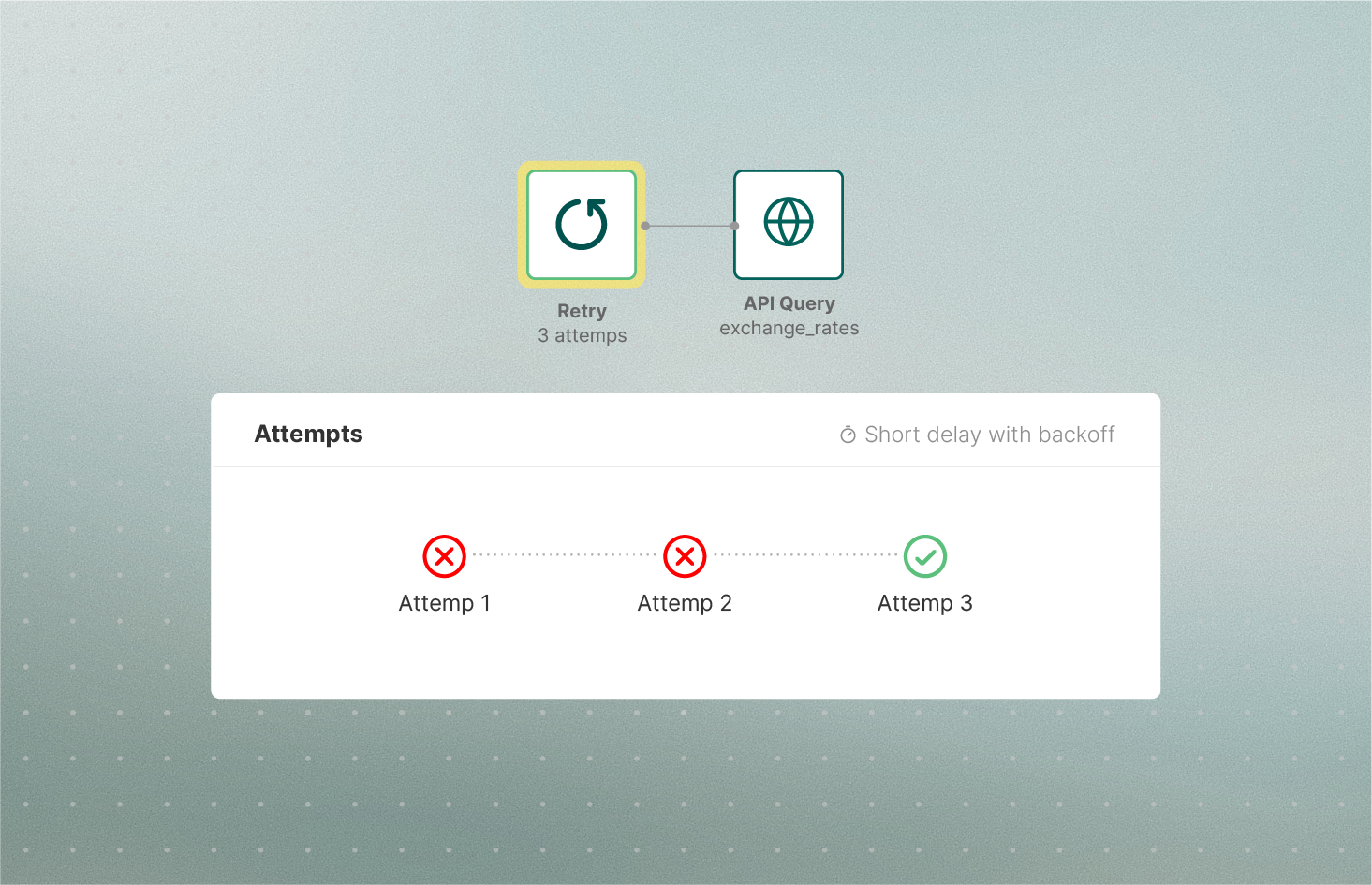
Attach a retry to any step and choose how long to wait between attempts, with backoff for flaky sources. If the final attempt fails, the failure path takes over: send an alert, clean up, or end the run.
Schedule pipelines by the minute, hour, day or week, or write a cron expression, in any timezone. Pin each schedule to a published version, decide whether runs can overlap, and trigger pipelines through the API when another system needs them.
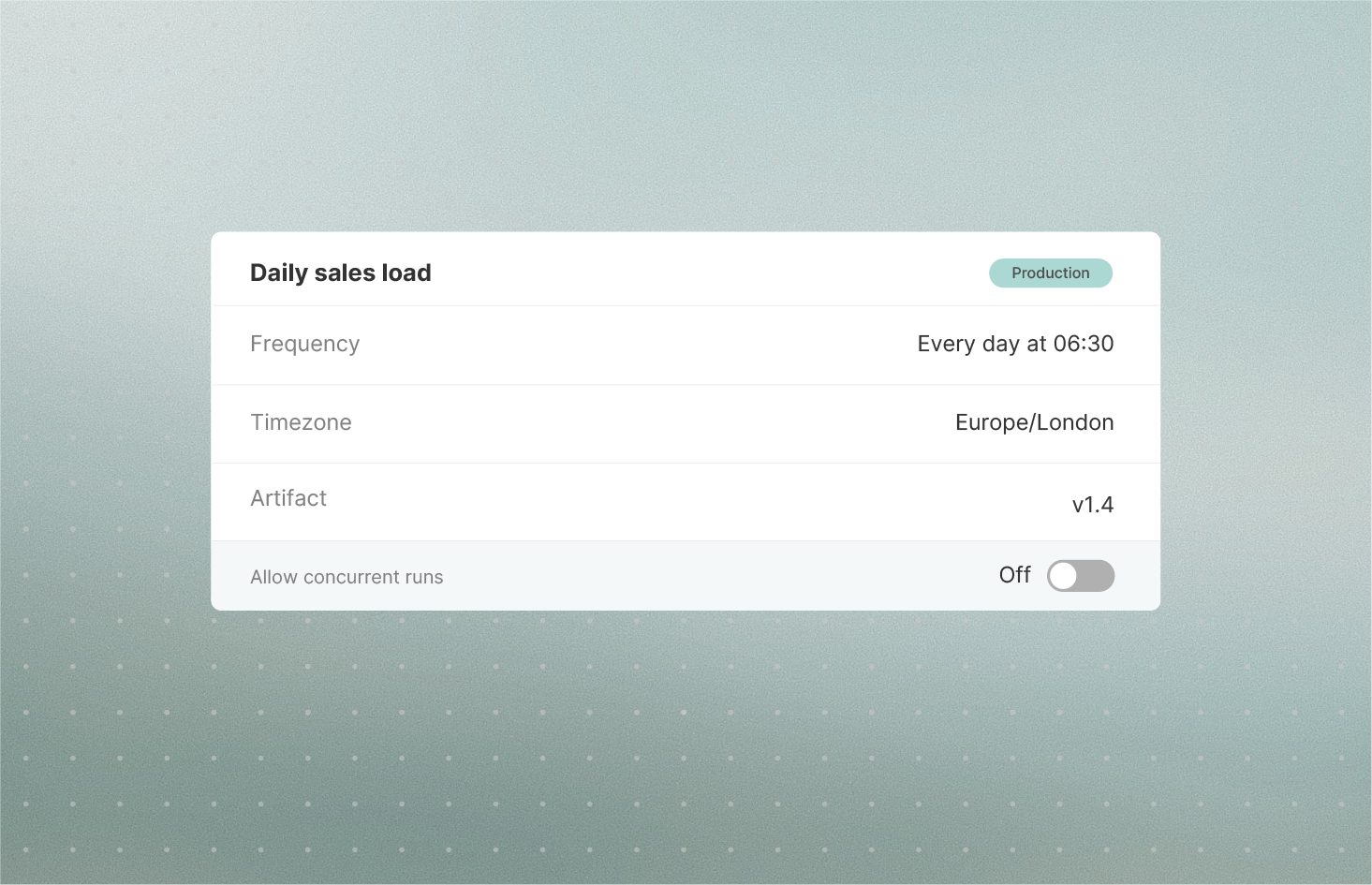
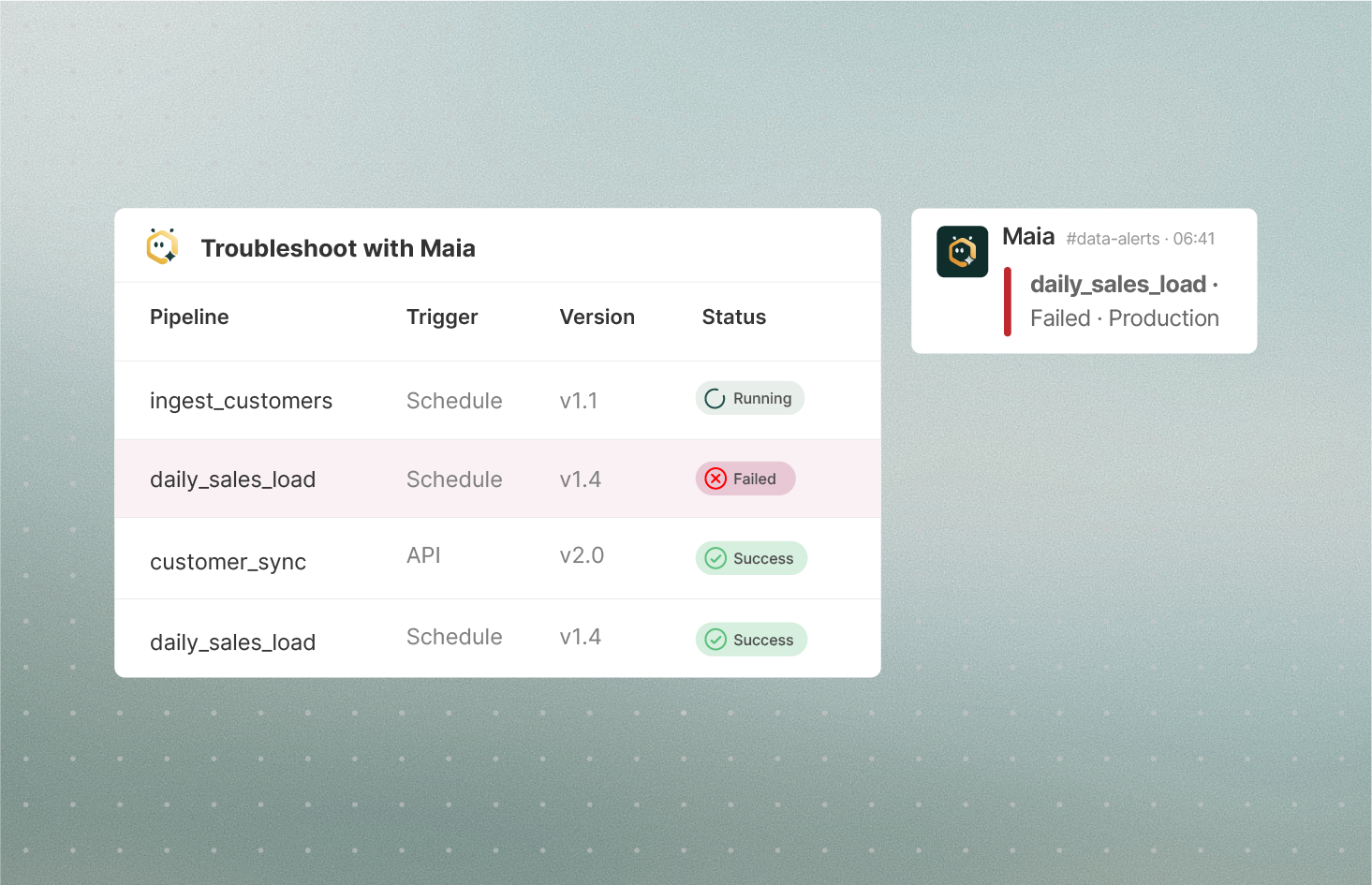
Get completion alerts by email, Slack or webhook, and anomaly alerts when a run takes much longer or shorter than usual. Run history shows every execution with its trigger, version and step-by-step status. Alerts are sent for scheduled and API-triggered runs.
Proven in production







Describe the flow. Maia builds it.
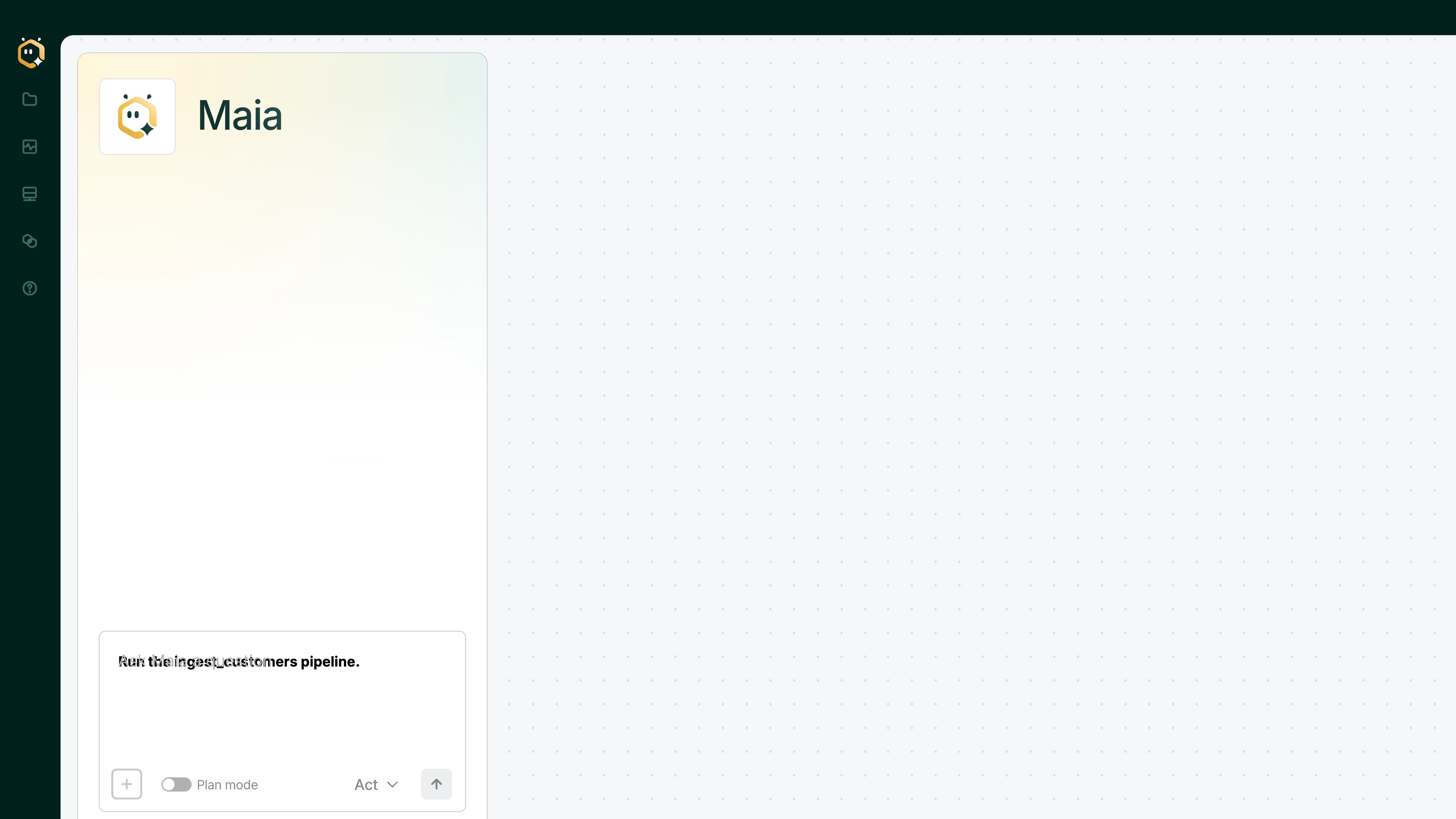
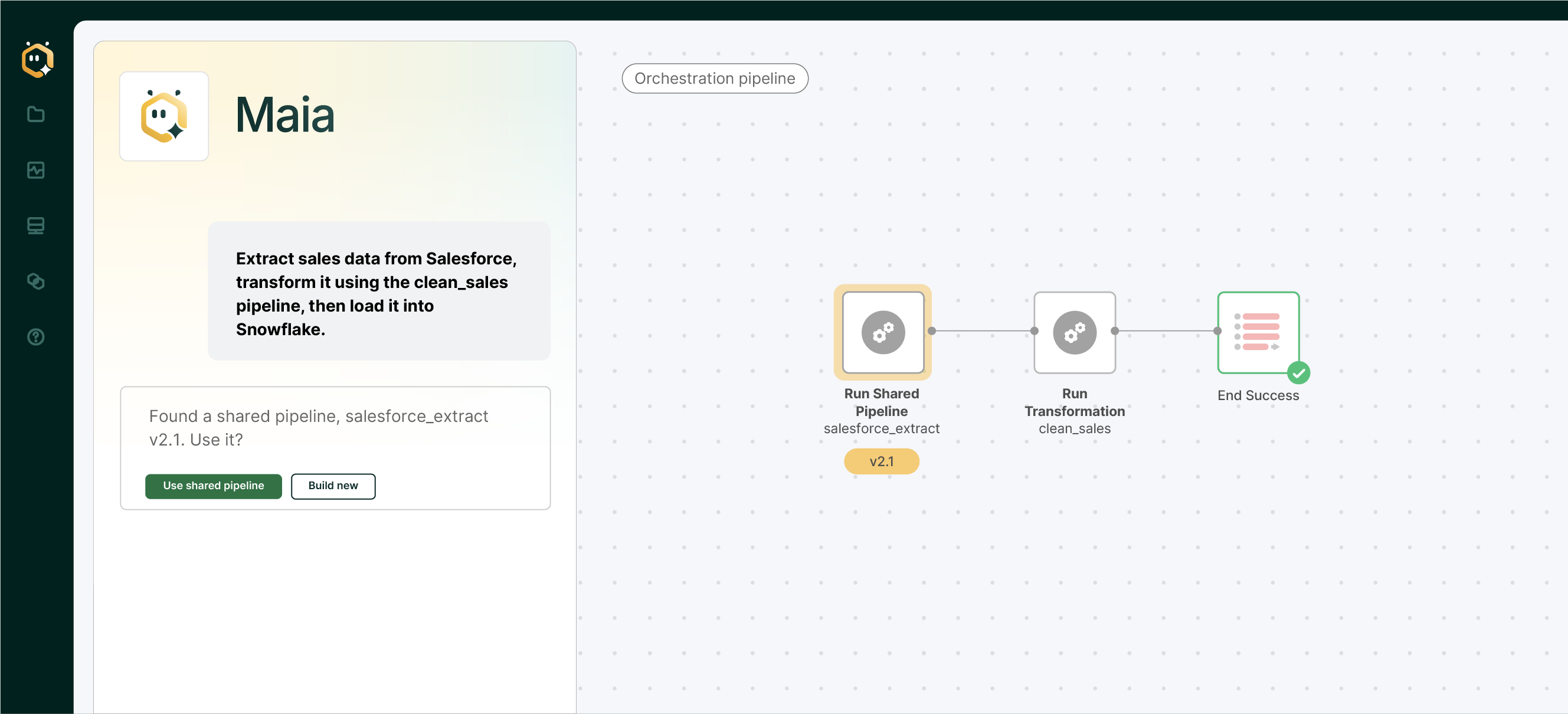
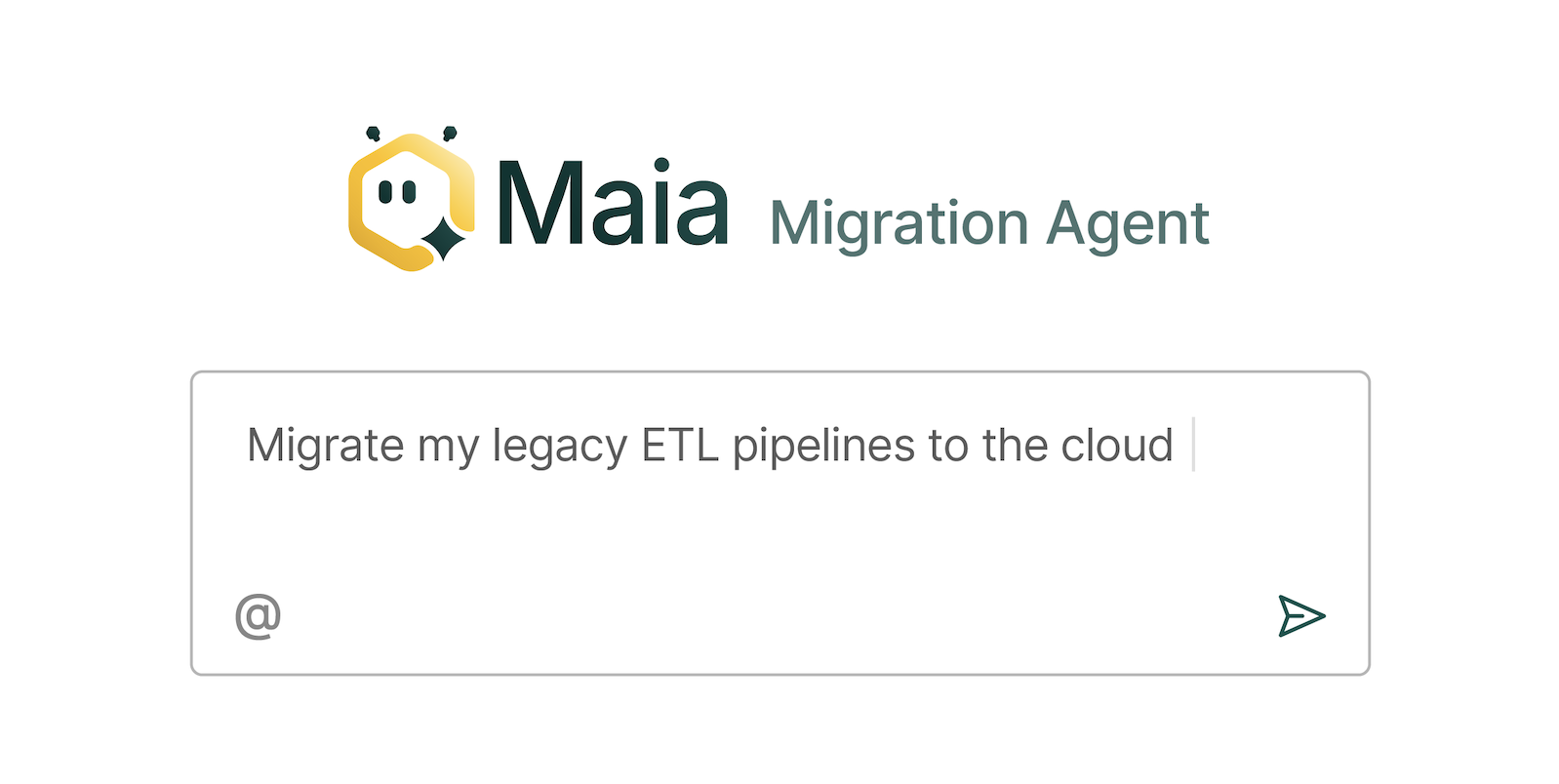
Tell Maia what should run, in what order, and what happens if something fails. It builds the orchestration pipeline on the canvas for you to review.

Built from your words
Maia adds the components, connects them in order, and asks for credentials.

Reuses what exists
Maia checks for a shared pipeline before building a new one.

Runs it with you
Maia reports status, rows processed and failed components in the chat.
When a run fails, Maia fixes it
For scheduled and API-triggered runs, Maia analyses every failure and proposes a fix. You review it before anything ships.
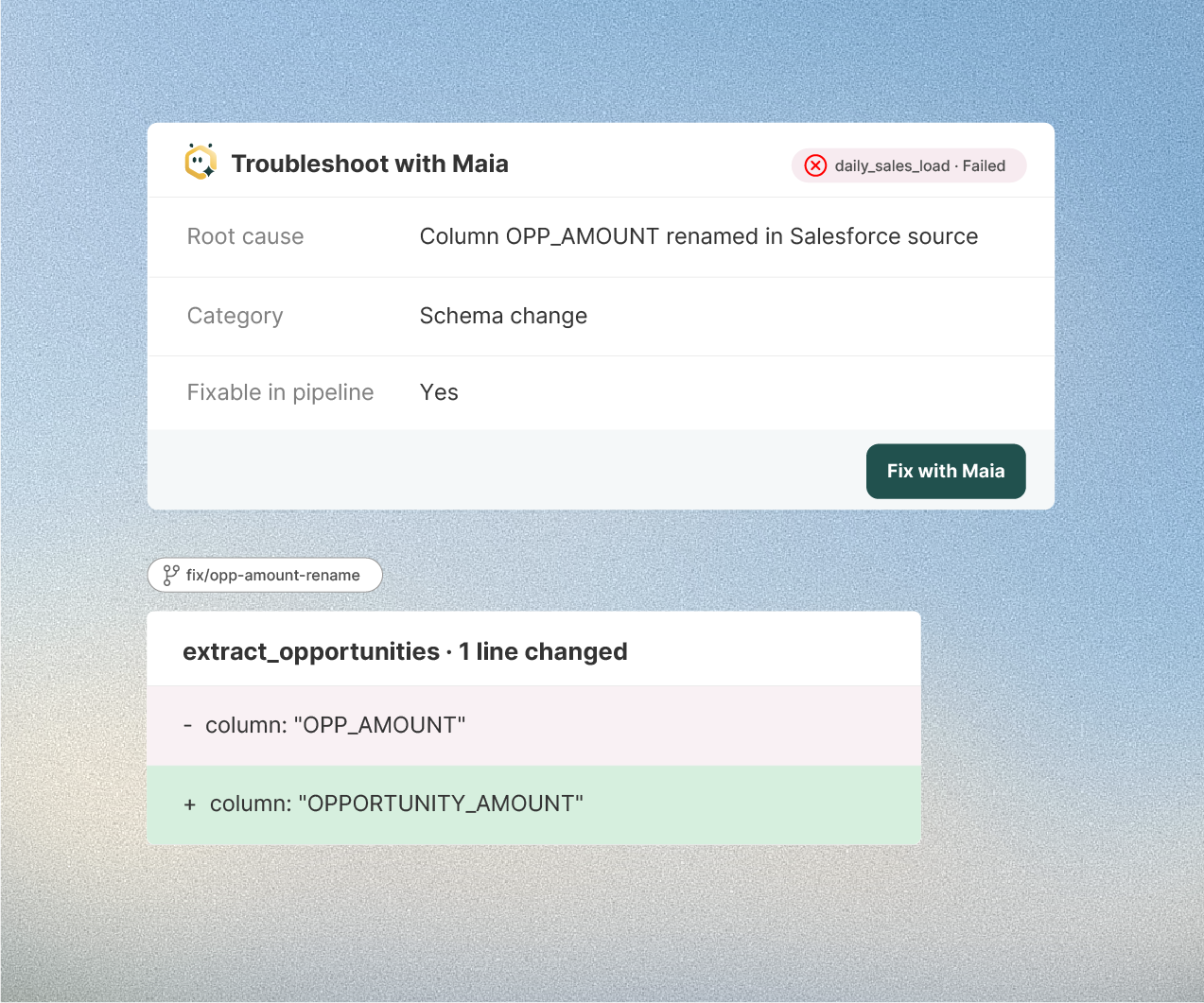
Maia checks every level of the run, including inside iterators and child pipelines, and traces the error back to where it started. If a renamed column in Salesforce breaks a downstream step, Maia points to the source change and suggests updating the column reference.
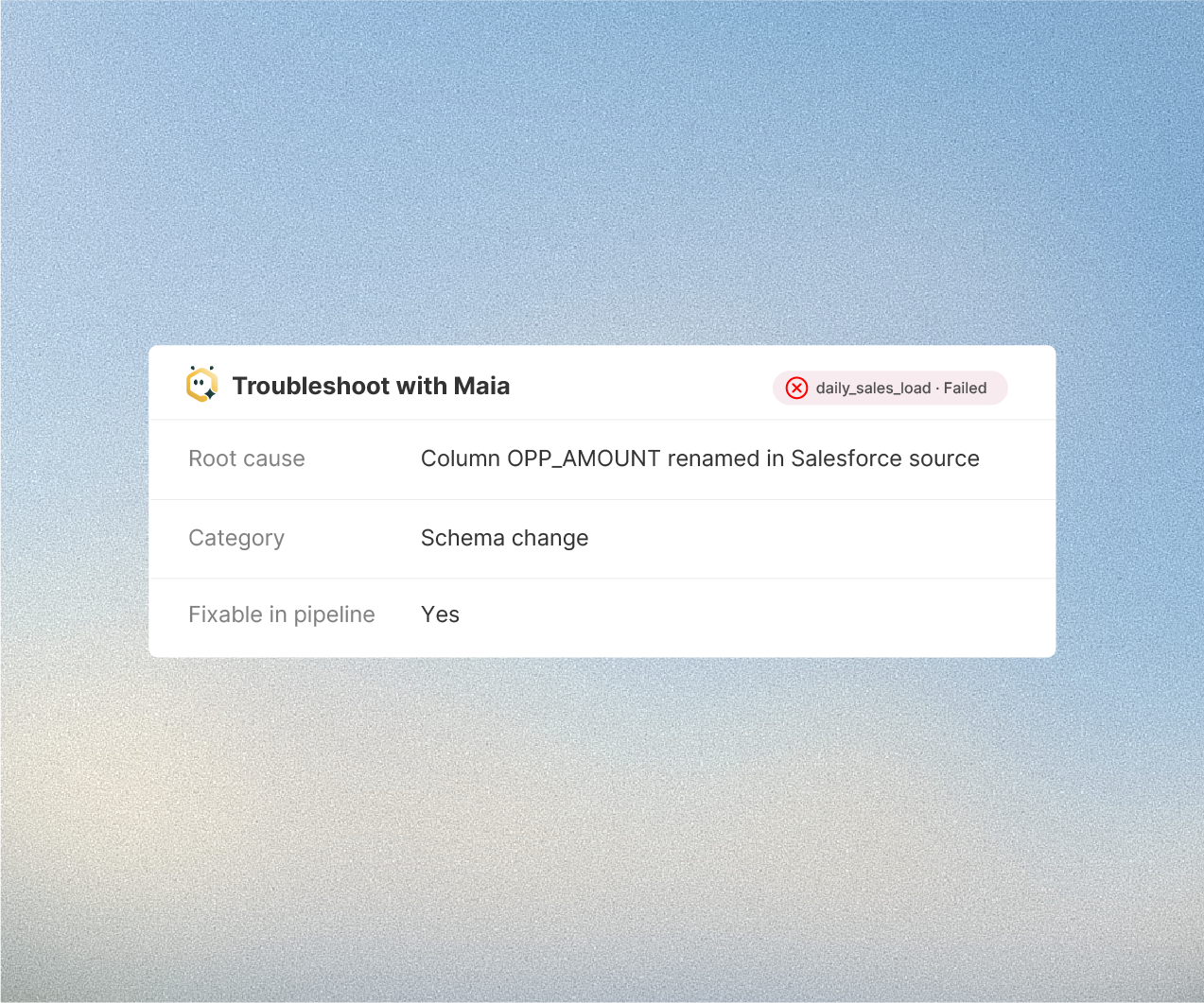
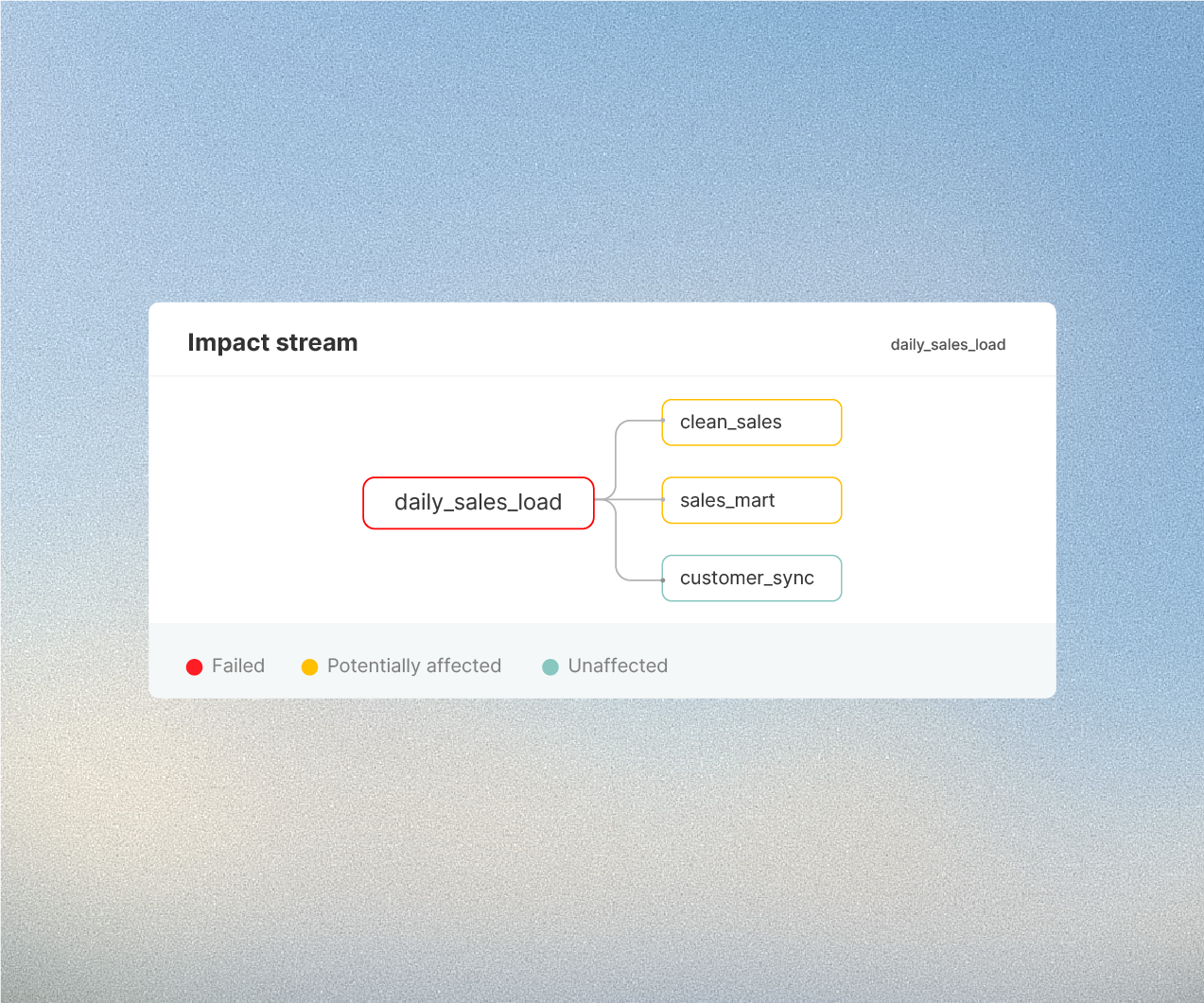
See which downstream pipelines and datasets a failure affects, generated automatically from the failed run.
Maia creates a new branch, applies the fix to the component that caused the failure, and hands it back. Compare the changes, then commit and publish.
Where orchestration fits
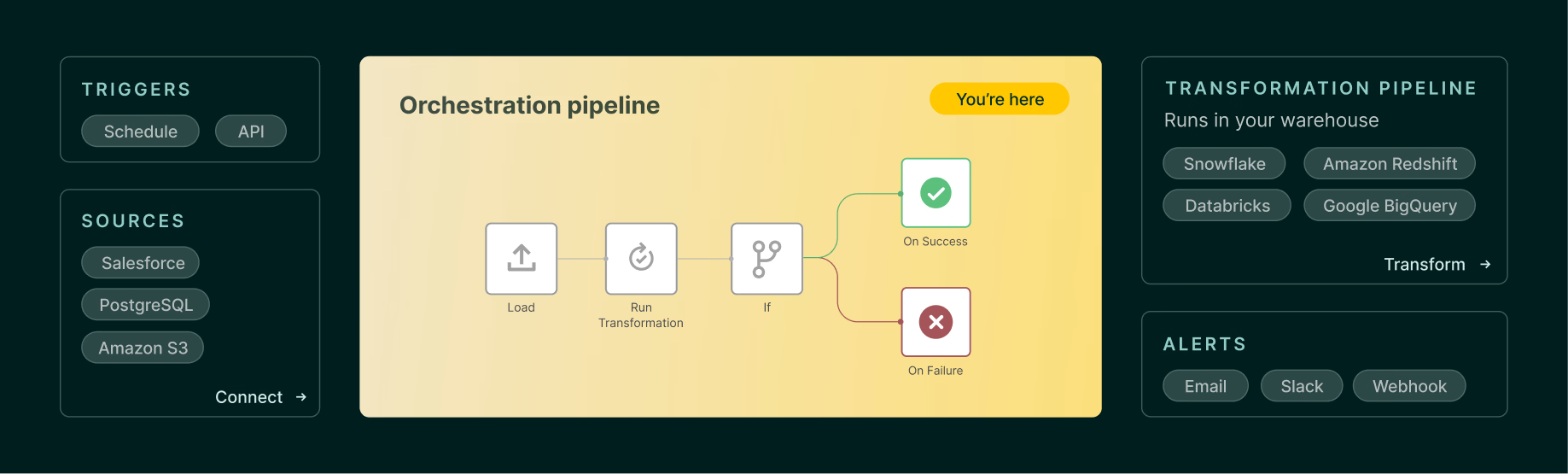
Orchestration pipelines load your data and run the flow. Transformation pipelines shape it inside your warehouse. One orchestration pipeline can run them all.












Hand Maia your next pipeline
Describe the flow, review what Maia builds, and schedule it in the same place.
Join Matillion
We need driven, curious people who think big and move fast to join our team.